The third iteration of Doug Bolden's various thoughts and musings.

Tag: enshittification

And Thus…I Leave Feedly

Sigh.

Just a few days ago I was going through a multi-hour process to disentangle from OneDrive and now, for reasons, I’m doing the same thing for Feedly. Some of it is similar. A recurring cost that offers little real value compared to what I can do myself. A company that considers its AI-arm to be its true innovation. Features and elements I like being de-prioritized over a different type of client than I am.

And while Feedly is different in several ways…

  • OneDrive is more integrated into the default Windows experience
  • Feedly genuinely is one of the best feed readers out there, while OneDrive is not necessarily one of the best cloud-based storage systems
  • Feedly is a lot more “optional” than proper file management, even if very helpful
  • I would say that Feedly is actually innovative in its interface, even if I don’t need most of it

…it still hit an irk in me this morning.

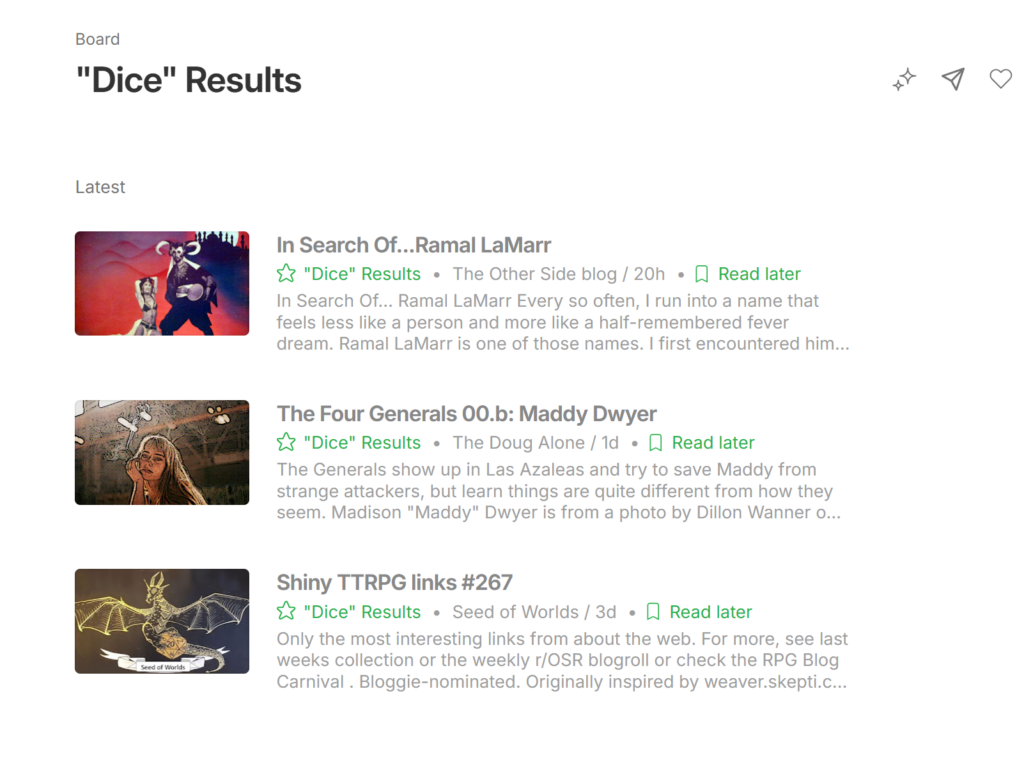
I went to search for something. The above picture shows me searching for “dice1.” That’s not what I searched, initially, [it was “daylight savings time” which glitched it out] but it will do for a demo.
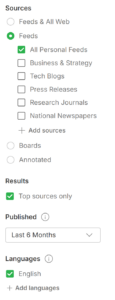
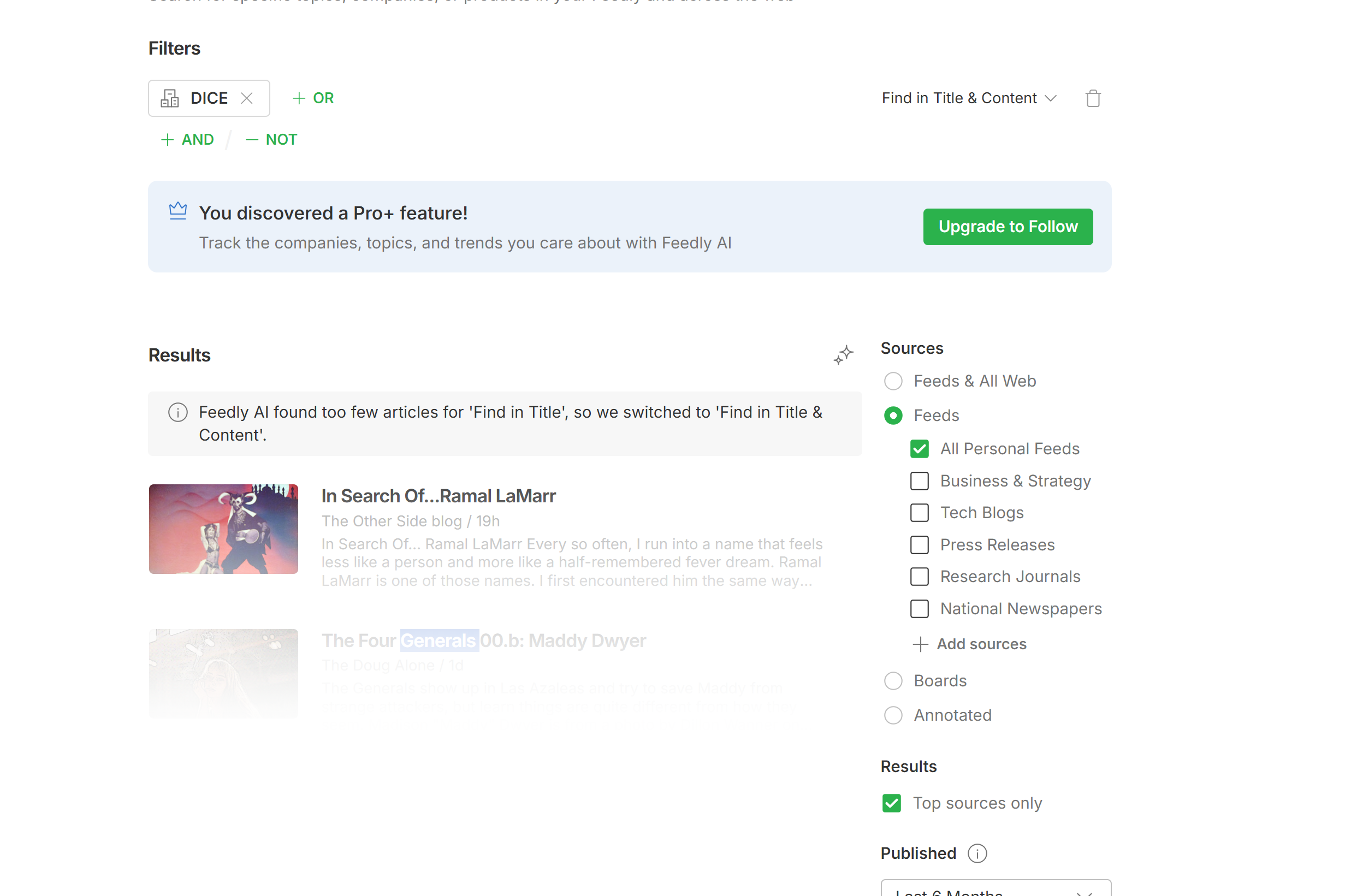
I had to click several things to tell it “just my feeds, please” instead of “Feeds & All Web” and then to unclick the defaults of “Business & Strategy” and “Tech Blogs” as well.

After which, I got the worst search results since Bing was initially launched.

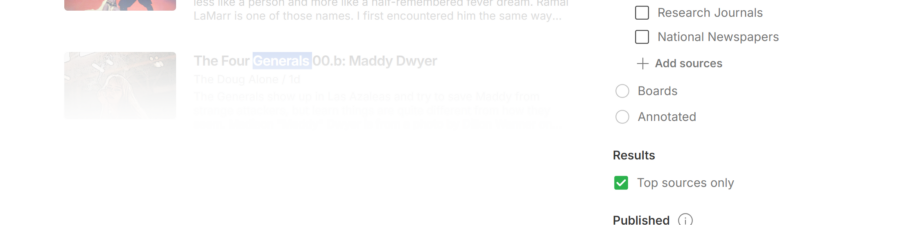
I could only see, nearly fully, the “top result” but not click on it. Every other result is faded out and hidden. In fact, they are not search results at all. They are dummy results slapped behind a “disabled-entries” flag.
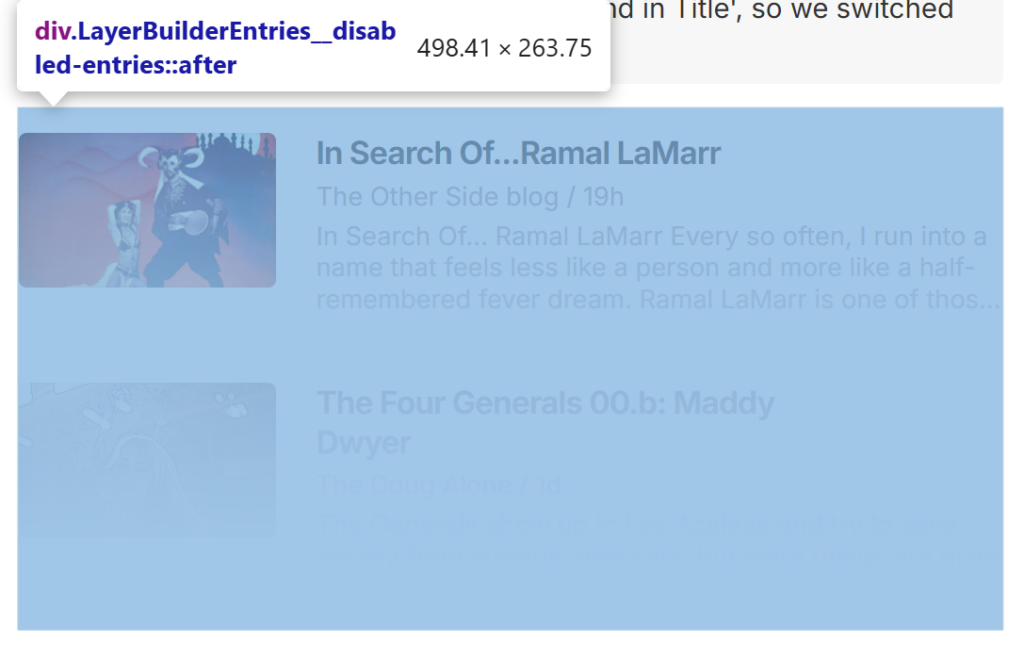
I can’t even tell if this is just some sort of hiccup in the system or if they really expect me to upgrade to Pro+ just to be able to search by classifying “search” as “follow” which are two different sorts of tasks.

It for sure has encapsulated what should be a fairly simple task as a “Feedly AI” worthy one. If you go all the way back up to the top, you’ll see the “Feedly AI” tweaked my search options to generate more results…none of which were usable by me. Outside of that, if I search for something in my feeds and there are no results, I want there to be no results. I’m not just idly passing time. I’m trying to use information.

Keep in mind, there used to be a fairly user friendly, intuitive search feature just a little over a year ago. One I am pretty sure wasn’t locked behind the Pro/Pro+ features. I was Pro, then. In fact, I joined Feedly in August (?) 2016 and joined Pro around a month later. And kept it, at the actual ridiculous fee of around $7us/month for a decade.

I should have bolted when they started going more in on Enterprise level tasks rather than just serving a product that worked.

At any rate, spent around an hour researching private and self-hosted type feed readers and began migrating stuff over (including finding a fun glitch where CloudFlare keeps killing some OpenRSS feeds).

Will probably delete my entire Feedly account soon. They can have MBAs using AI models to track awful crypto blogs be their customer base if they want that crowd so badly.

Going Back to Check…it is designed worse than I thought

So I went back before clicking post because I wanted to make sure I wasn’t missing some obvious checkmark. I might still be missing some check mark, but, I am pretty confident that I am not missing an obvious one.

Some things I learned.

Feedly still brands its search as “Across Your Favorite Sources” on the home screen…
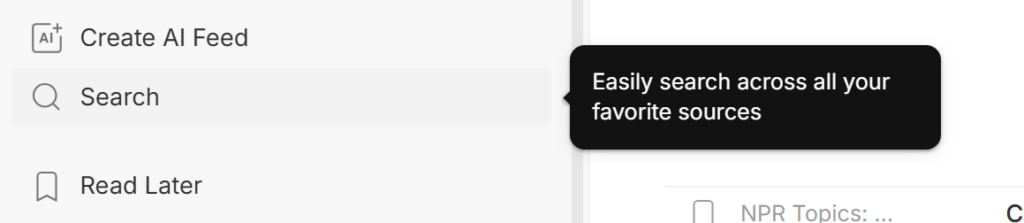
heh, “easily.” “Just fifteen clicks to not get any results! easy!”

…then changes up the language once you get to the search page.
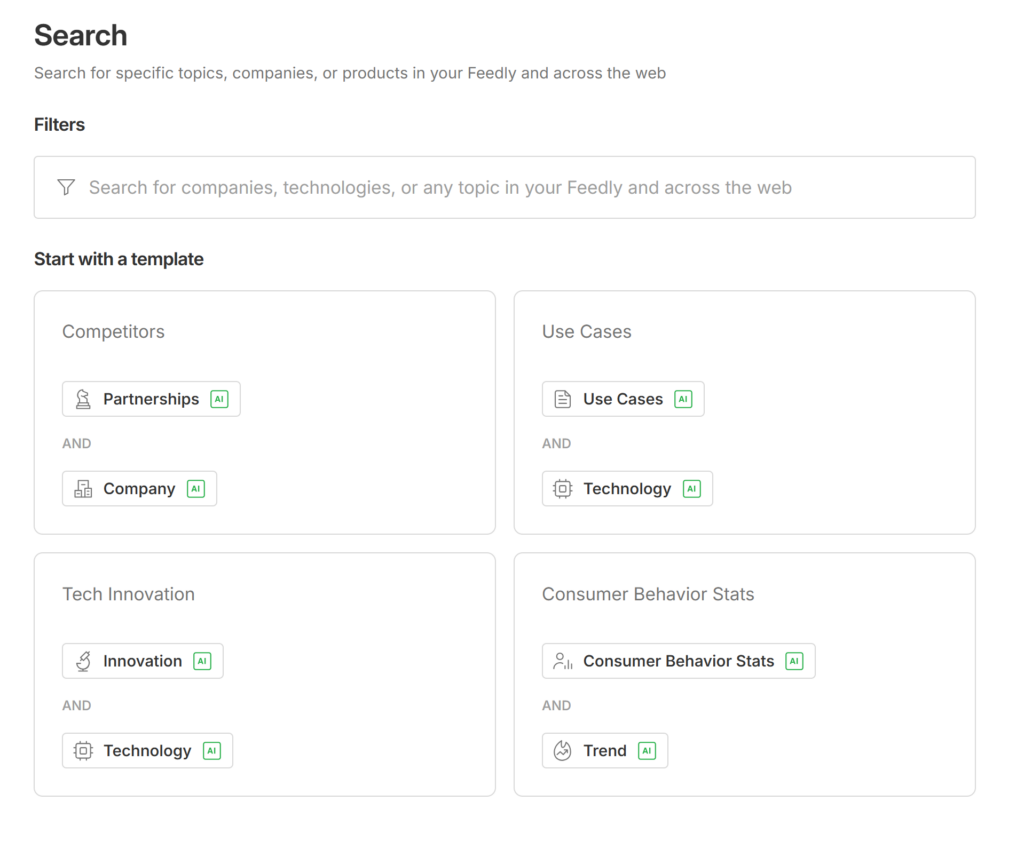
Note that most of those are AI searches rather than just a simple search across data.

Technically you can see THREE of your results, you just have to check them all and save them to a board
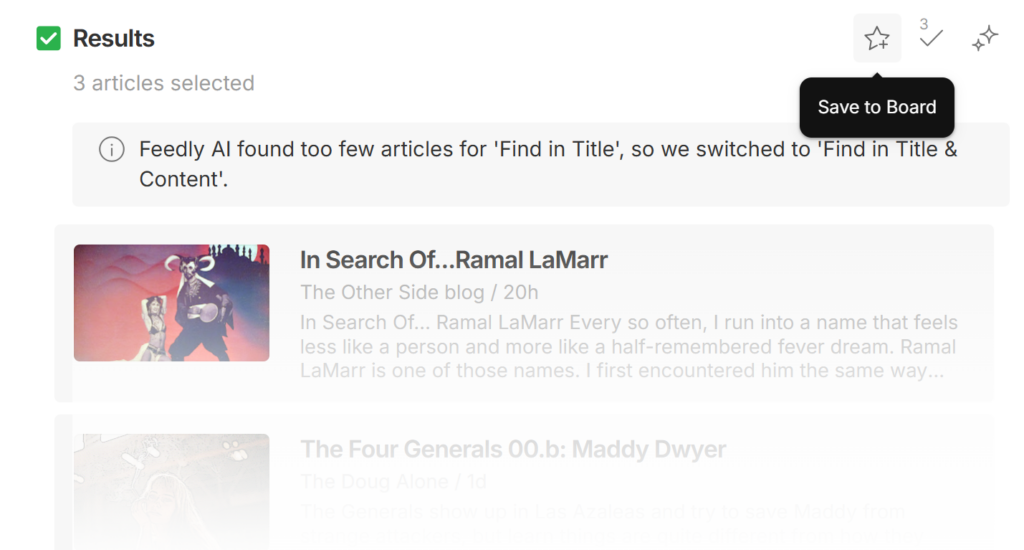
Note, you have to believe that the checkbox exist and just mouse over it. The fun thing about “3 articles selected” (and with some testing, it seems to always be three articles returned for a search) is that it means there is always a completely hidden-in-fog article down below for absolutely NO reason since it’s just white, no-display space. They are literally wasting server and browser processing time to show you something that isn’t there. It’s probably something to do with needing extra space to get the proper fade on the gradient. Or just plain madness.

“Yesterday on the stairs, I met a Feedly search result that wasn’t there…”
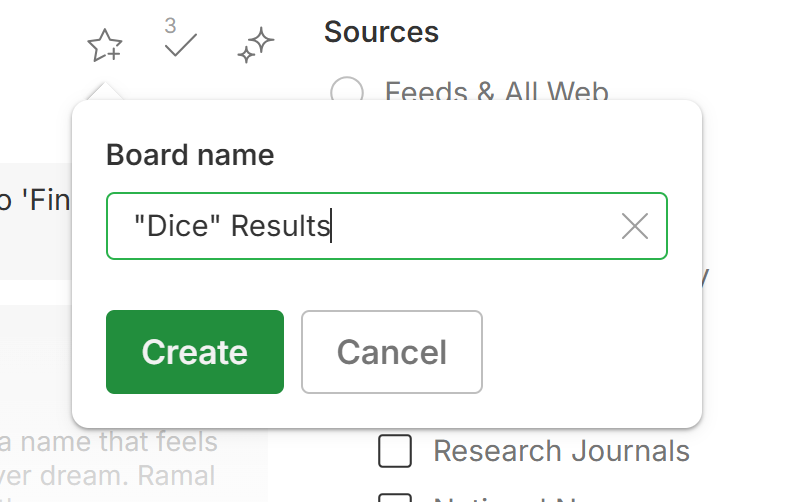
That’s…just awful. That’s some serious tomfoolery.

Yeah, deleting that account very shortly.

NOTE: I have not tested the app and right now don’t care to test the app. I’d rather just delete than waste any more time on this. Maybe it works as expected, there, but none of these things suggest good things about the future of this product.

  1. I don’t know which is worse, the fact that it assumed I was searching for “DICE” the company and tagged it as a company search OR the fact that it absolutely did not matter since it just did a keyword search anyhow across my feeds. Terrible. ↩︎
“Deleting” OneDrive…

One of my promises to myself for 2026 — which admittedly feels a bit “puny” with everything going on — was to redraw from most cloud-based storage. Part of the broad “clean up!” phase of my mid-life crisis…

  • Leave social media
  • Leave [most] third party cloud-based storage [Google Drive is something of an exception, for now, and I have other specialty storage to handle certain accounts and servers]
  • Reduce streaming subscriptions to a minimum
  • Generally stop paying for services I can do myself with some sweat/tears

…which, when written like that, does sound a bit like I’m turning into a paranoid old codger. I am, that. But also, it gives me a challenge. Something to chew upon.

Today was OneDrive. I had some variation of the Office 365 subscription— which is now something like Office 365 Copilot — where I had apps, storage space, improvements to email, and upgrades to “freemium” MS stuff like Copilot++ Extreme Teams Plus™ or whatever branding makes the shareholders happy. I don’t know. The fact that I never knew what kind of value I could possible be getting from most of it is part of my problem.

Which is part of your problem, MS people.

Any Microsoft folks seeing this, that’s my feedback. Help me to feel like I am getting much more than $100 out of such a thing if you want me to keep it. Make it feel like you are giving me the sweetest deal ever. You ain’t a charity. You ain’t a college student just working your way up through the world. Impress me.

I got said annual subscription a few years back when I got this computer and continued, like a good little puppet, to pay the $100ish annual fee for all these many months. As we were prepping a move to the EU, I cut out most of my annual/recurring payments to stuff that wasn’t absolutely necessary, keeping only a few with some of those few on the eventual chopping block. This included my Office 365 [insert other branding terms, here] subscription though I figured I’d keep it if I wanted it after all.

If and only if I felt I was getting my value.

In the interim time, I set up more of my own storage, switched most/all documents to LibreOffice [etc], and started handling my email largely “in house.” In short, I absolutely did not need to pay a trillion dollar company $100 to do those things for me. Which left a problem.

There were roughly 500gig of files on my computer tied to OneDrive. Not paying meant my OneDrive was stuffed full to the brim — 9000% over the limit, the warnings said — and stuff was throwing errors. I logged in and started to delete out my files from the online side and then went…

…because while I doubted it, there was a non-zero chance that I was about to trigger Microsoft deleting half a terabytes of files off my PC. Good files. Stuff like my pdf copies of Outgunned and my Two Steps from Hell music. That would have made me sad having to redownload all that.

I stopped, looked into it, and figured out that I had to go through OneDrive’s settings and then stop syncing each of the major folders. One at a time. Which takes…time. It moves the folders around and changes the links and stuff. A few folders with only a gig or two worth of files might be quick but my main Documents folder which had 300gig alone took the better part of an hour. Then sit there in fear that it was simply going to delete those files outright [Ron Howard voice: it did not].

That’s before I had to go through and update some bookmarks, rebuild a music library in Foobar2000, and related things. Piece by piece.

Doug’s Note: There are walkthroughs already written for this process. I should have taken screenshots on the way down but didn’t think about it until later.

After I did all that, and dealt with all the errors, I then “resynced” and that deleted the files off my online account. I then deleted out a few more bits and then unlinked my account from OneDrive and then exited OneDrive.

Which has twice tried re-opening and which prompted Windows Defender to lecture me about the importance of having online backup, etc.

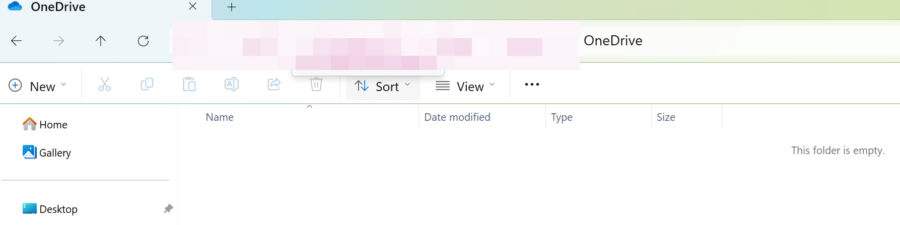
My primary annoyance since then is that the Default Library Folders — Documents, Pictures, Downloads, Videos, Desktop — are now put into kind of janky library containers in the “Libraries” tree at the bottom of the left-hand panel and there doesn’t seem to be a way to build a more functional version of that towards the top to match the older style.

In other words, paying for OneDrive put all those files into a convenient place in the panel which doesn’t seem possible, without possibly editing the registry, to replicate. That’s…madness, right? That’s purposely nerfing their own operating system to sell a side product.

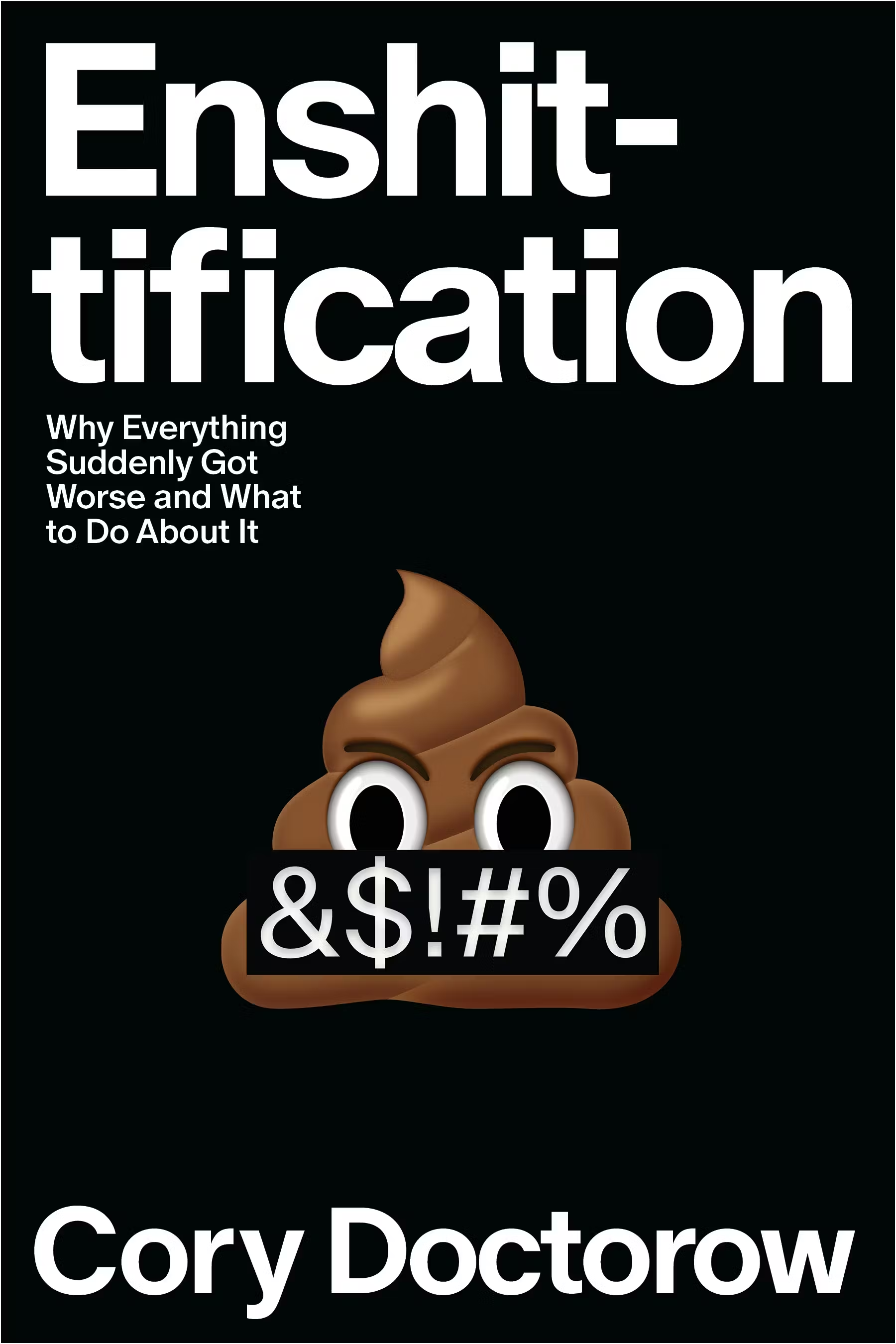
Hey, looking for a book to read? Let me just suggest something. Probably totally unrelated to this whole experience:

I ended up just making “Quick Access” links to those folders, a few others, though it seems like Windows 11 keeps wanting to trim those out.

All this has made me really miss Linux all the more.

Powered by WordPress & Theme by Anders Norén